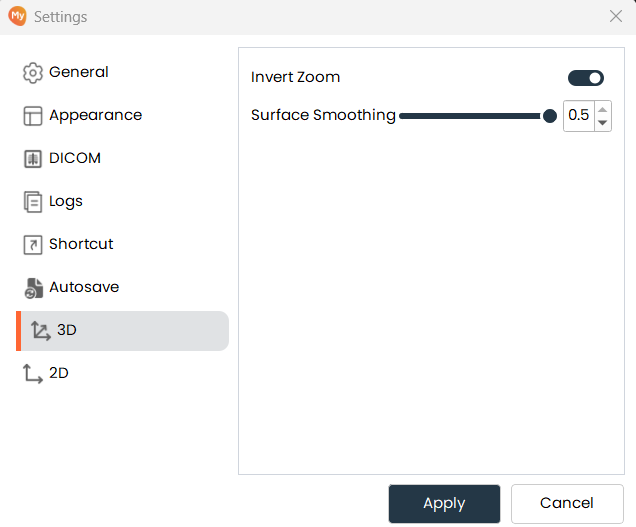
3D
-
A Toggle button is provided to invert zoom in the 3D view.
-
When the toggle is ON, zoom behavior in the 3D view is inverted.
-
When the toggle is OFF, normal zoom behavior is applied.
-
The zoom behavior change is applied only after clicking Apply.
3D Smoothing
-
The default smoothing value is set to 0.3 when the panel is opened for the first time.
-
The smoothing slider is also initialized to 0.3.
-
The smoothing slider range is 0.0 to 0.5.
-
Changing the slider adjusts the smoothness of the 3D view.
-
The smoothing value is applied to the 3D view only after clicking Apply.