Magnet tool
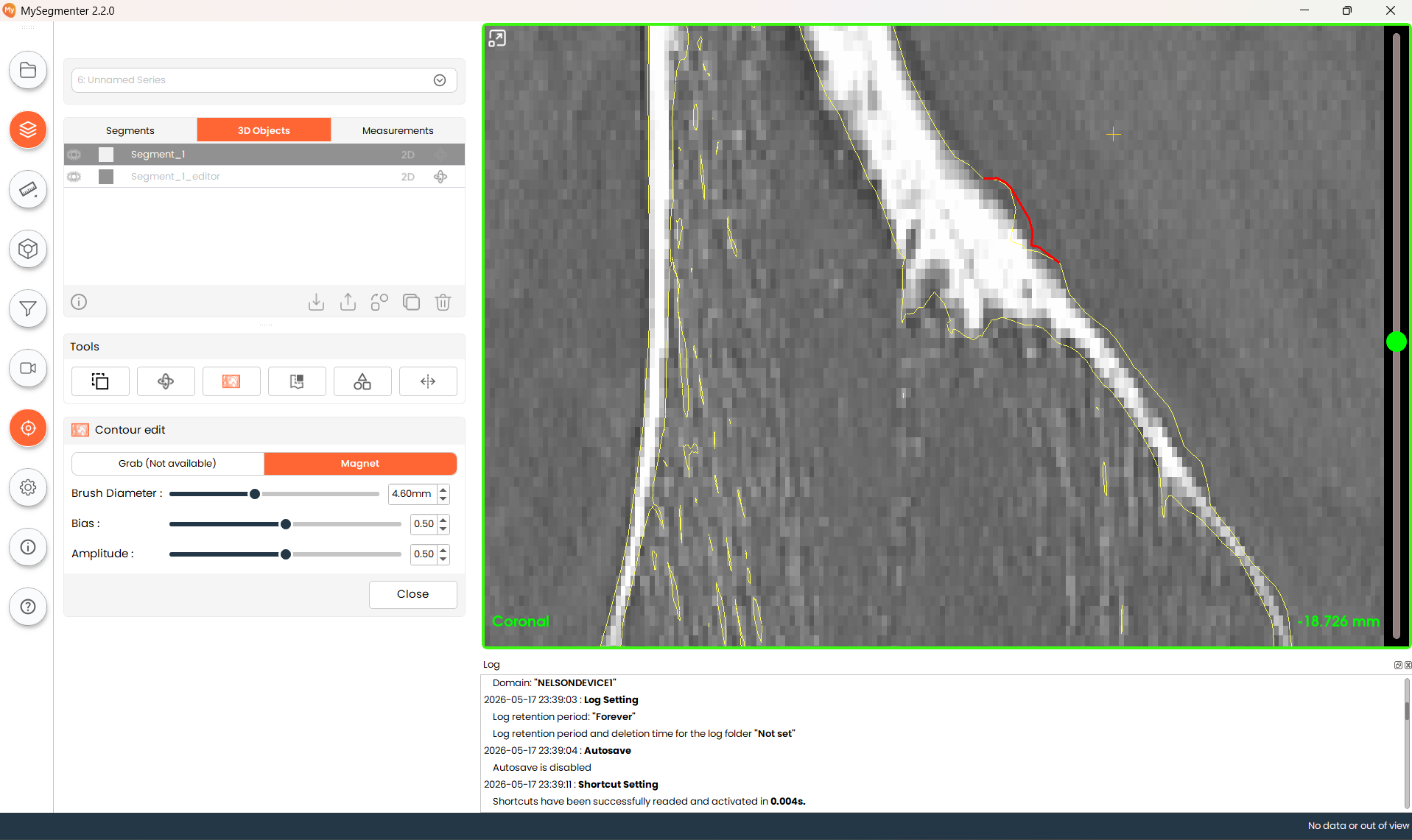
The magnet tool allows users to modify the contour of a 3D model available in the project. The tool allows the user to pull the 3D model contour outward or inward with different parameters of reach and intensity. This tool allows users to fine-tune contours to reduce irregularities and ensure smoother surfaces.
Steps
- Select the target volume to modify from the 3D object table, and turn on the 2D contour button.
- Select appropriate brush diameter to determine how much of the contour will be modified. Higher values affect a bigger area of the contour.
- Select an appropriate bias parameter. Increased bias will increase the intensity of the modification.
- Select appropriate amplitude parameters. Increasing the parameter will make the modified contour steeper and more pronounced.