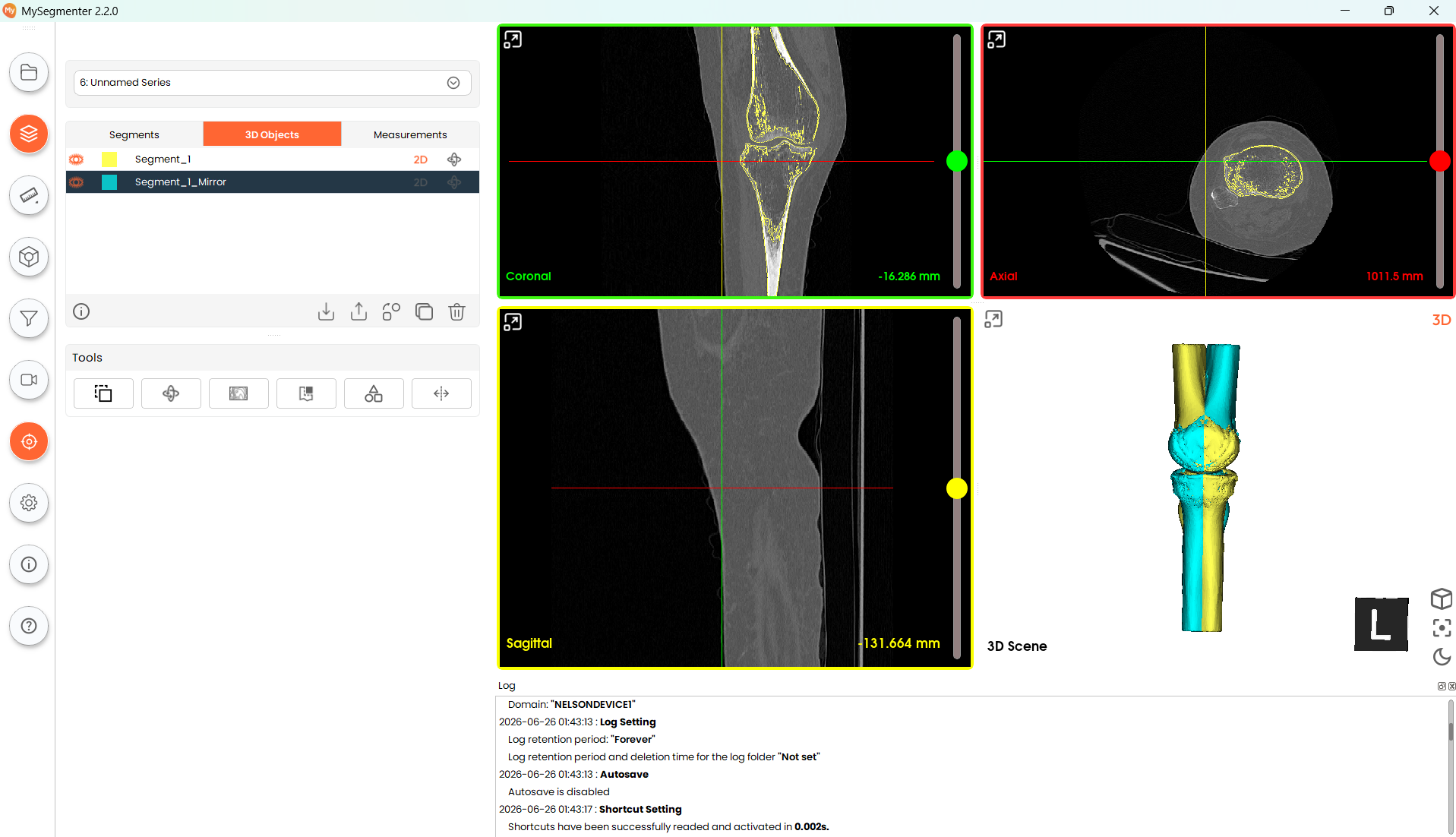
Mirror tool
The mirror functionality allows the user to create mirrored models from existing 3D models available in the project.
Steps:
-
Select model in the dropdown menu Select the intended model to Mirror from the dropdown menu of the tool. The menu should display all 3d objects available in the project.
-
Select mirror plane Select the mirror plane that will be used to generate the new model. The planes available are the three main coordinate planes.
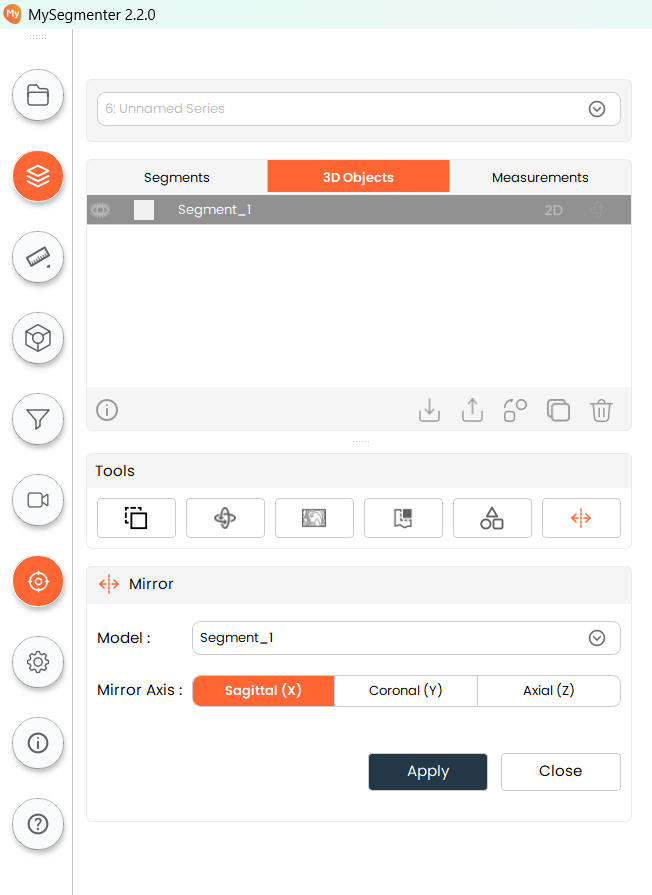
- Generate Model Click the apply button to generate the new mirrored model. This model will be generated in the 3D scene and will be selectable in the object table.