DICOM Image filters
DICOM image filters allow users to implement filters over the loaded datasets to modify the images.This allows users to reduce noise and potential artifacts before performing segmentation tasks on the images.
Steps:
- Select from the Volume dropdown the loaded dataset where the filter will be applied.
- Select the filter that will be applied. The following filters are available:
- Original: Restore image to its original state without any applied filter.
- Median: An effective noise-reduction filter that replaces each pixel with the median value of its neighborhood. It is highly efficient at removing "salt-and-pepper" noise while maintaining sharp anatomical boundaries.
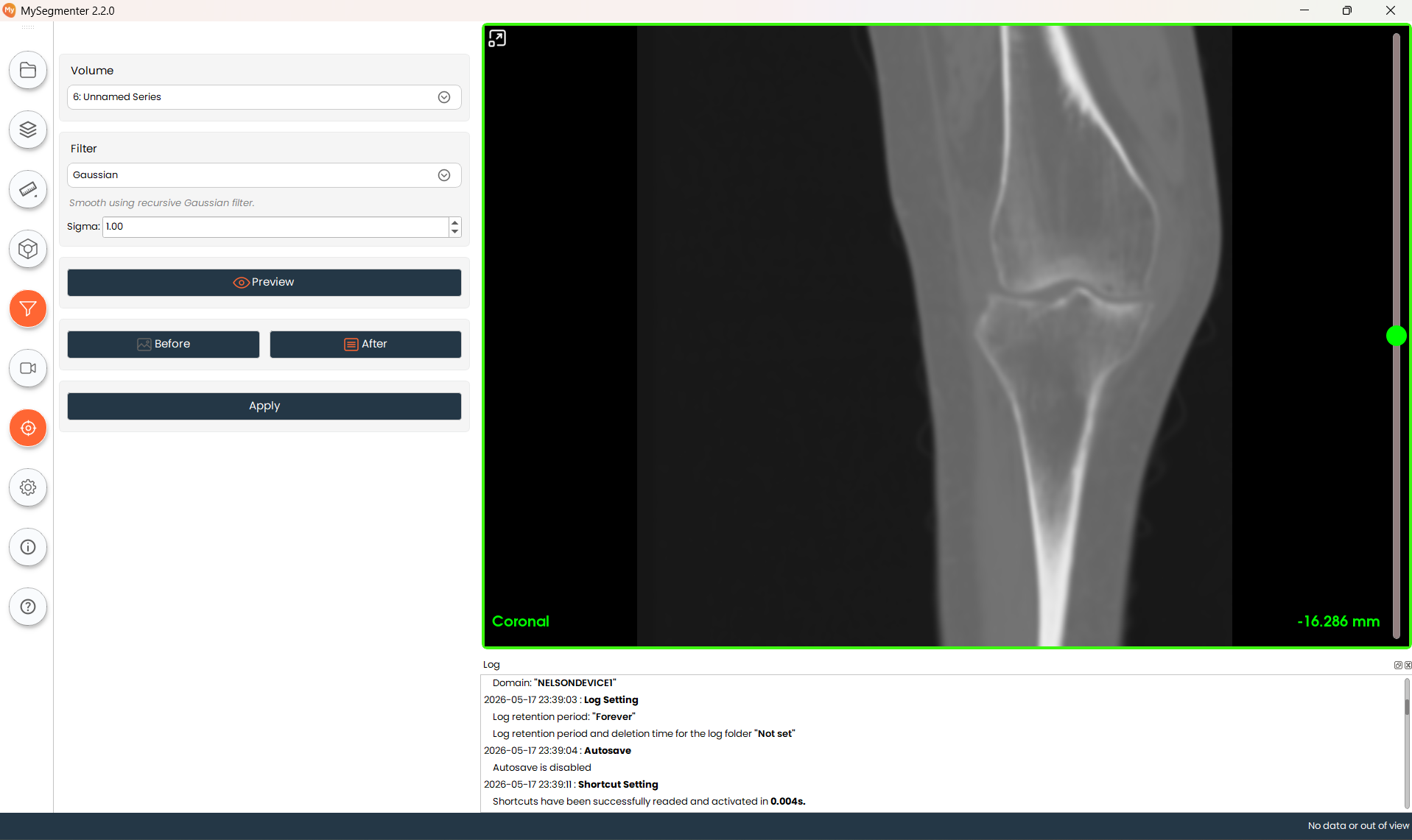
- Gaussian: A standard smoothing filter that uses a recursive Gaussian kernel. It effectively reduces image noise by blurring fine details, creating a smoother appearance.
- Discrete Gaussian: A precise smoothing filter utilizing a discrete Gaussian kernel. This provides more accurate results at anatomical boundaries compared to standard Gaussian smoothing.
- Mean: A basic smoothing filter that replaces each pixel with the average value of its surrounding neighborhood. Useful for general noise reduction.
- Curvature Flow: An advanced, edge-preserving smoothing filter. It iteratively smooths the image based on local curvature, effectively reducing noise while preventing the blurring of critical anatomical edges.
- Binomial Blur: A computationally efficient filter that provides an approximation of a Gaussian blur. Ideal for quick, light smoothing across the volume.
- Sharpen: Applies a Laplacian sharpening operator to highlight transitions and enhance the clarity of fine anatomical structures.
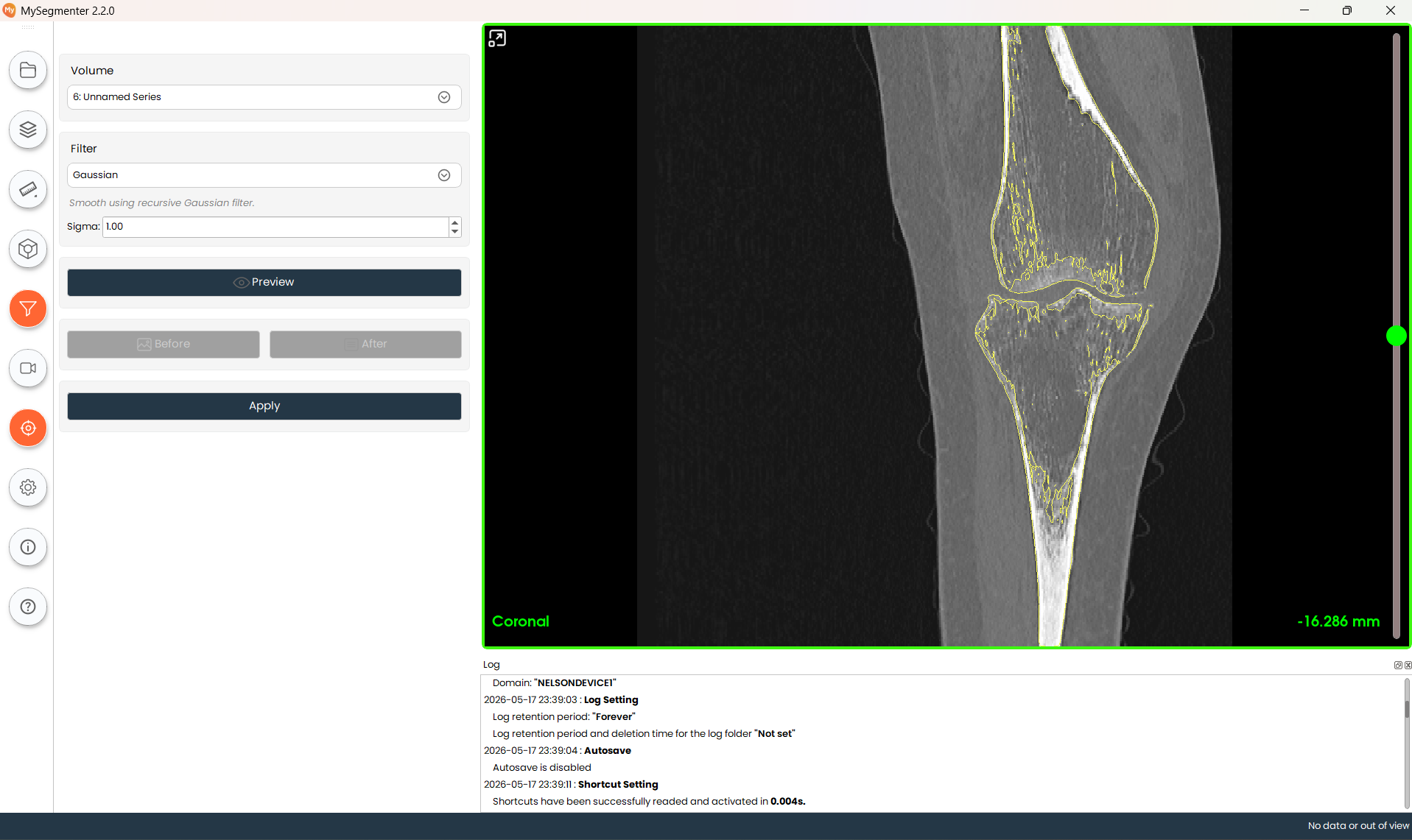
- Edge enhancement: Increases the visibility of structures by applying a Sobel edge detection operator and superimposing the detected edges onto the original image.
- Low pass: A frequency-domain filter that suppresses high-frequency noise, resulting in a cleaner, less grainy image.
- High Pass: A frequency-domain filter that suppresses low-frequency information, effectively highlighting and enhancing fine details and small structures.
- Gradient: Calculates the gradient magnitude of the image, visually highlighting areas of rapid intensity change, such as tissue interfaces or bone borders.
- Reduction: Downsamples the volume by a specified factor. This is useful for reducing file size or increasing processing speed for large datasets.
- Click the preview button to visualize the end result before applying the filter in the dataset. Clicking the Before and After button allows you to visualize the images with and without the filter.
- Click the Apply button to apply the filter to the selected dataset.