Getting Started
TL;DR
Follow the steps below to create an account, install the software, activate your 30-day trial license, and purchase a full license when ready.
User Account Creation
- Create your account using MySegmenter Signup.
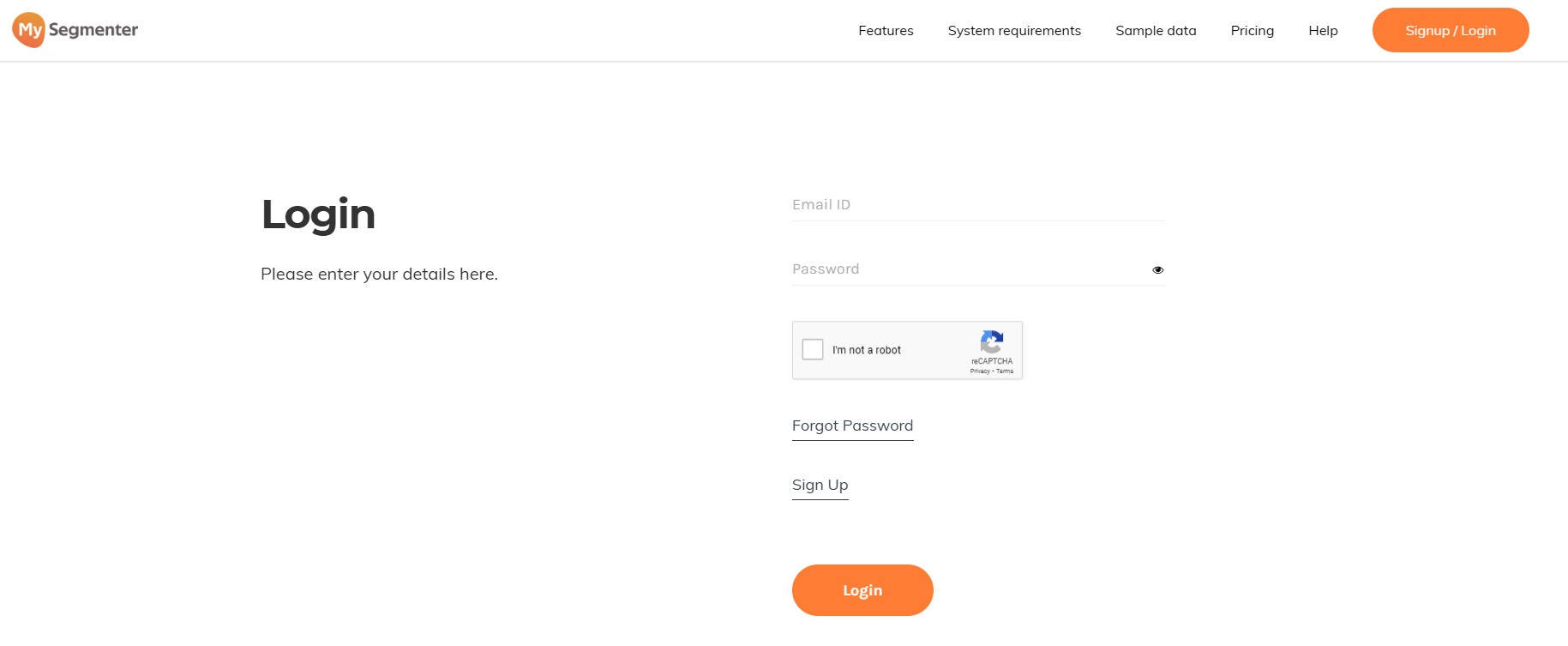
- Login to your account using MySegmenter Login.
Download & Install MySegmenter
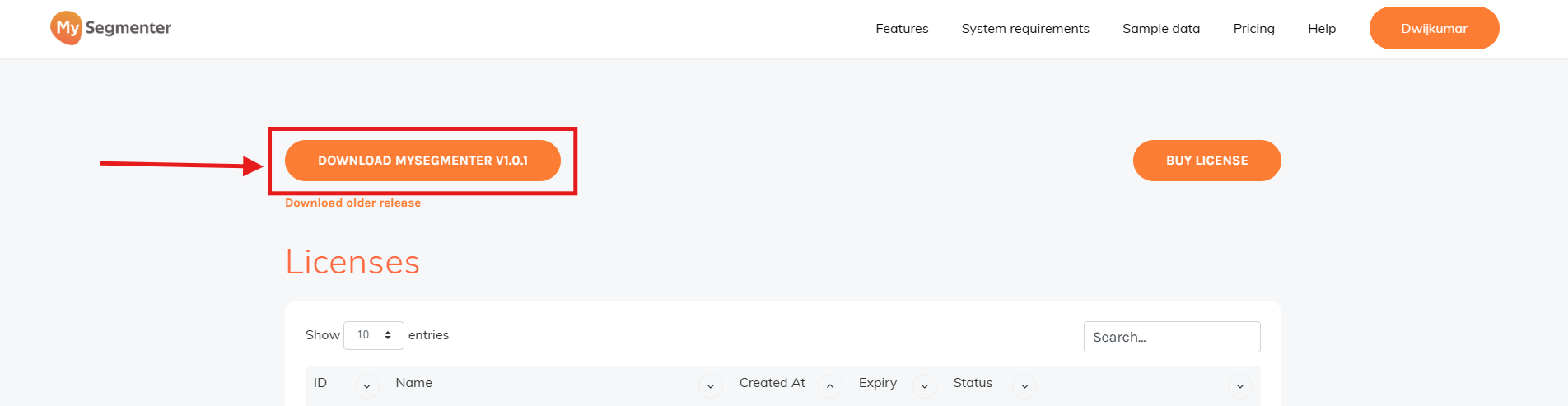
- Download the latest MySegmenter (v2.2.0) from your account.
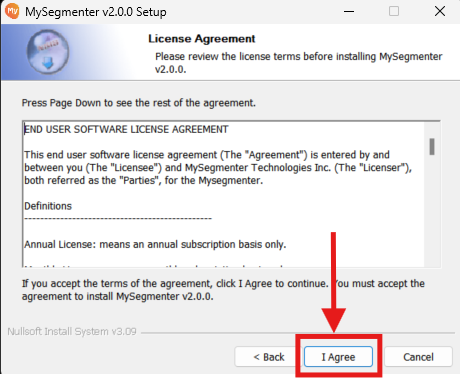
Read and accept the End User License Agreement (EULA) to proceed.
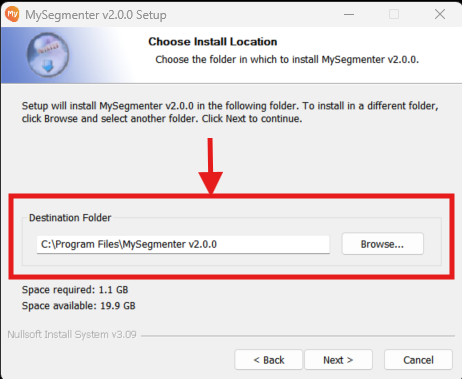
- Select the desired installation location on your computer's hard drive.
- Click on the "Install" button to start the installation.
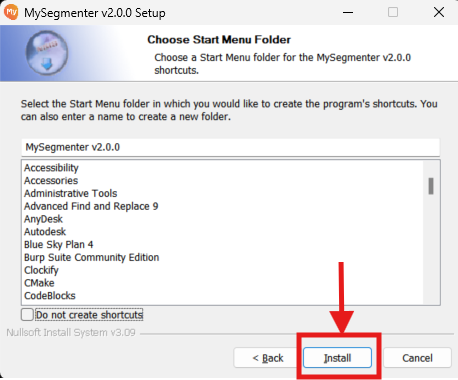
- Wait for the installation process to complete.
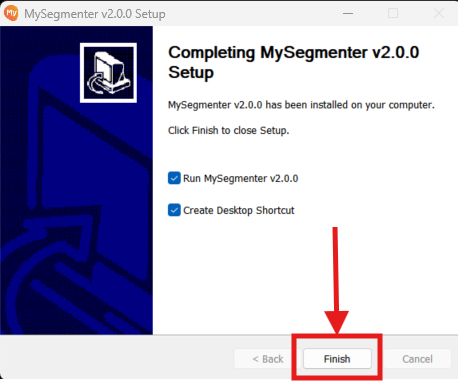
Activating the Trial License
- Once the installation is finished, open the MySegmenter (v2.2.0).
- Select Online Activation
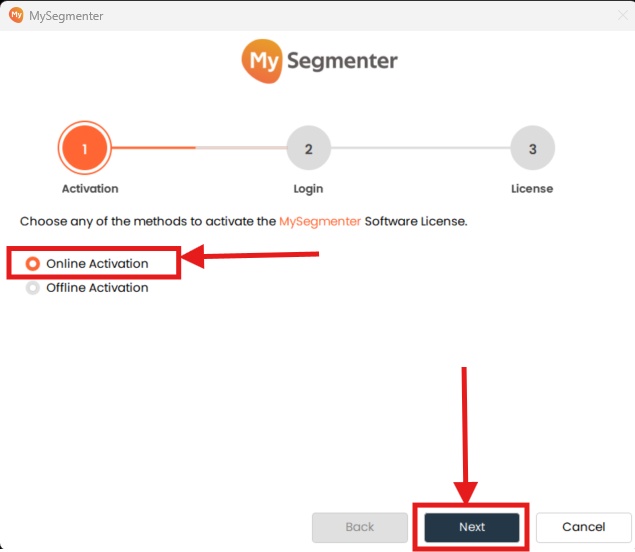
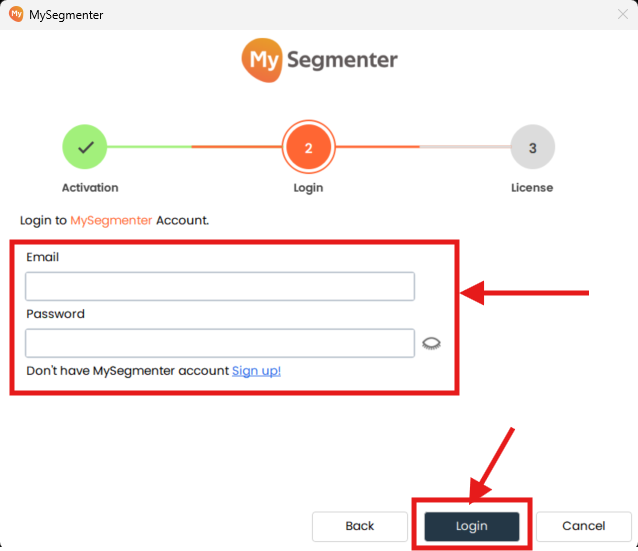
- Log in with your account credentials. This automatically activates a 30-day trial license for your installation.
Purchase the License
Login to your account using MySegmenter Login.
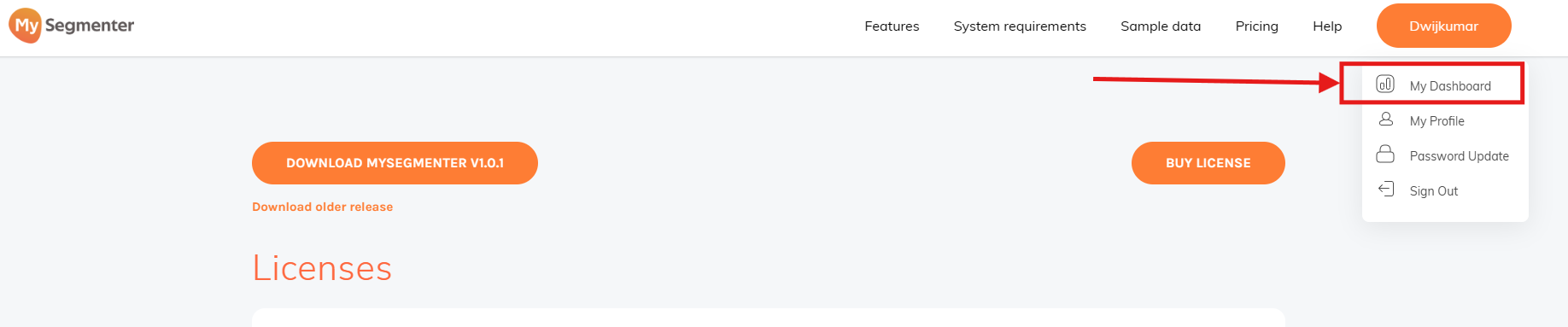
- Go to My Dashboard.
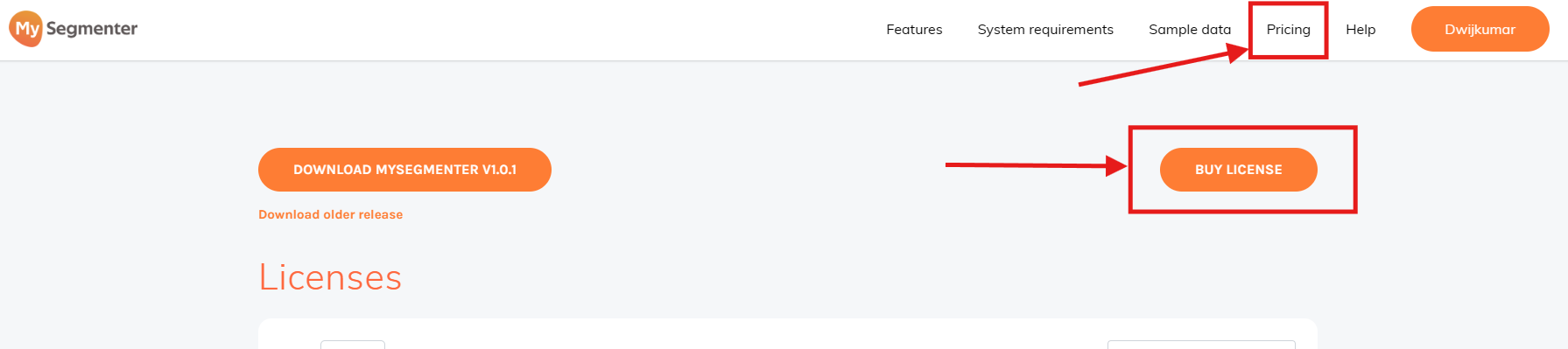
- Click on
PricingorBuy License.
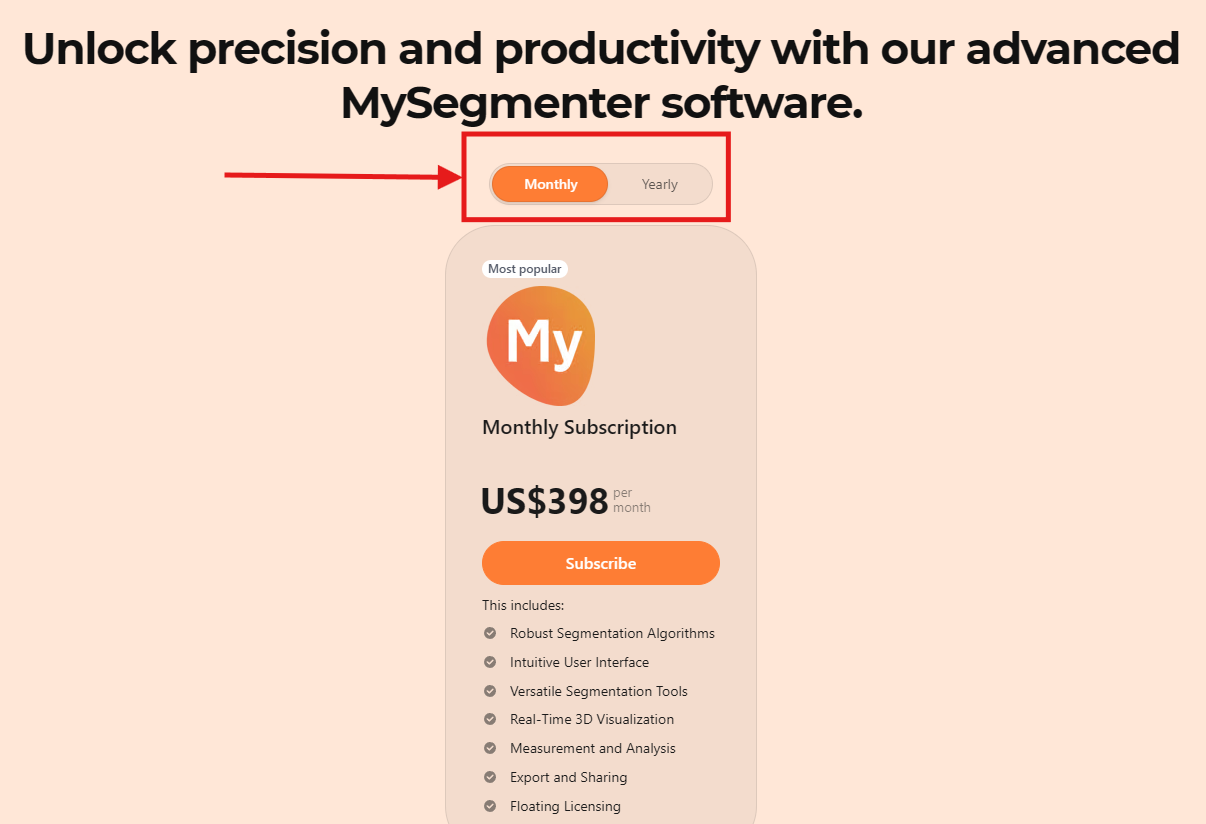
- Select the subscription plan (Monthly or Yearly).
- Complete the payment.
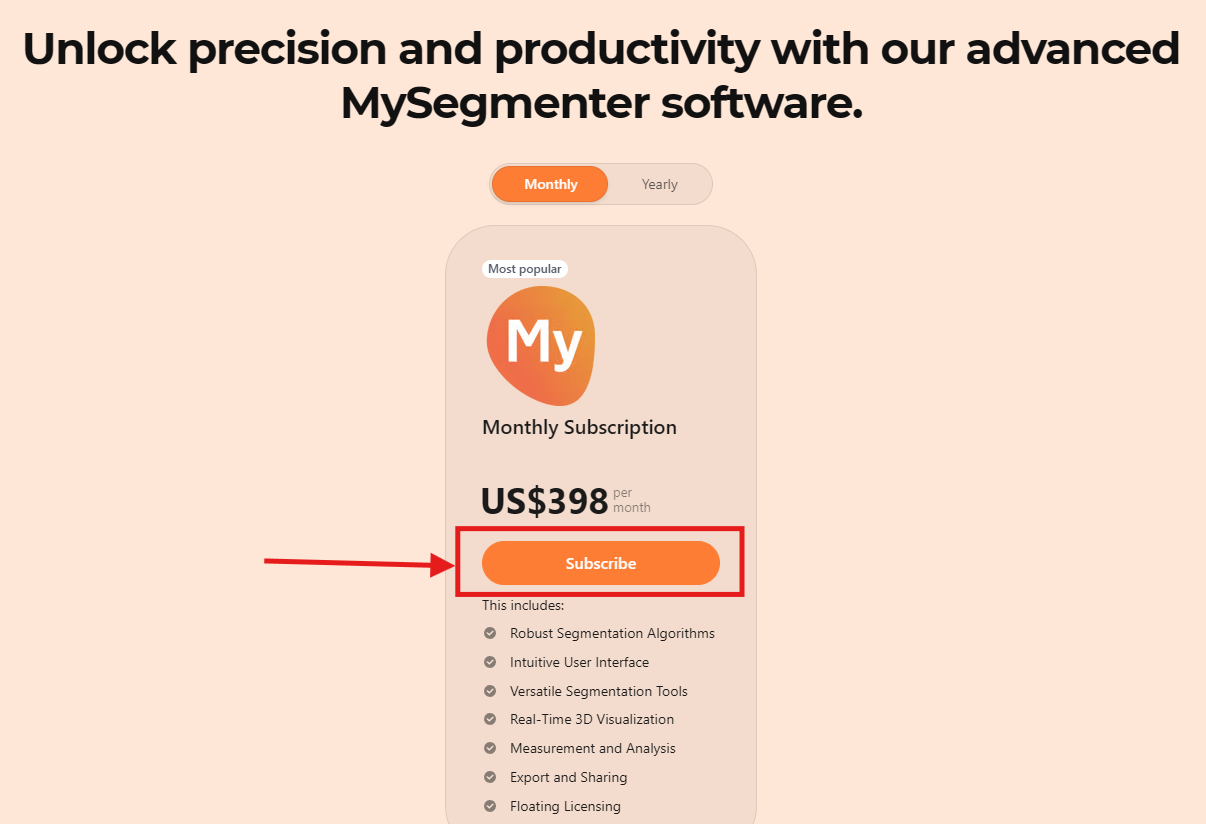
- Upon successful payment, one floating license will be added to your account.
- To verify, please visit My Dashboard.
Uninstall MySegmenter
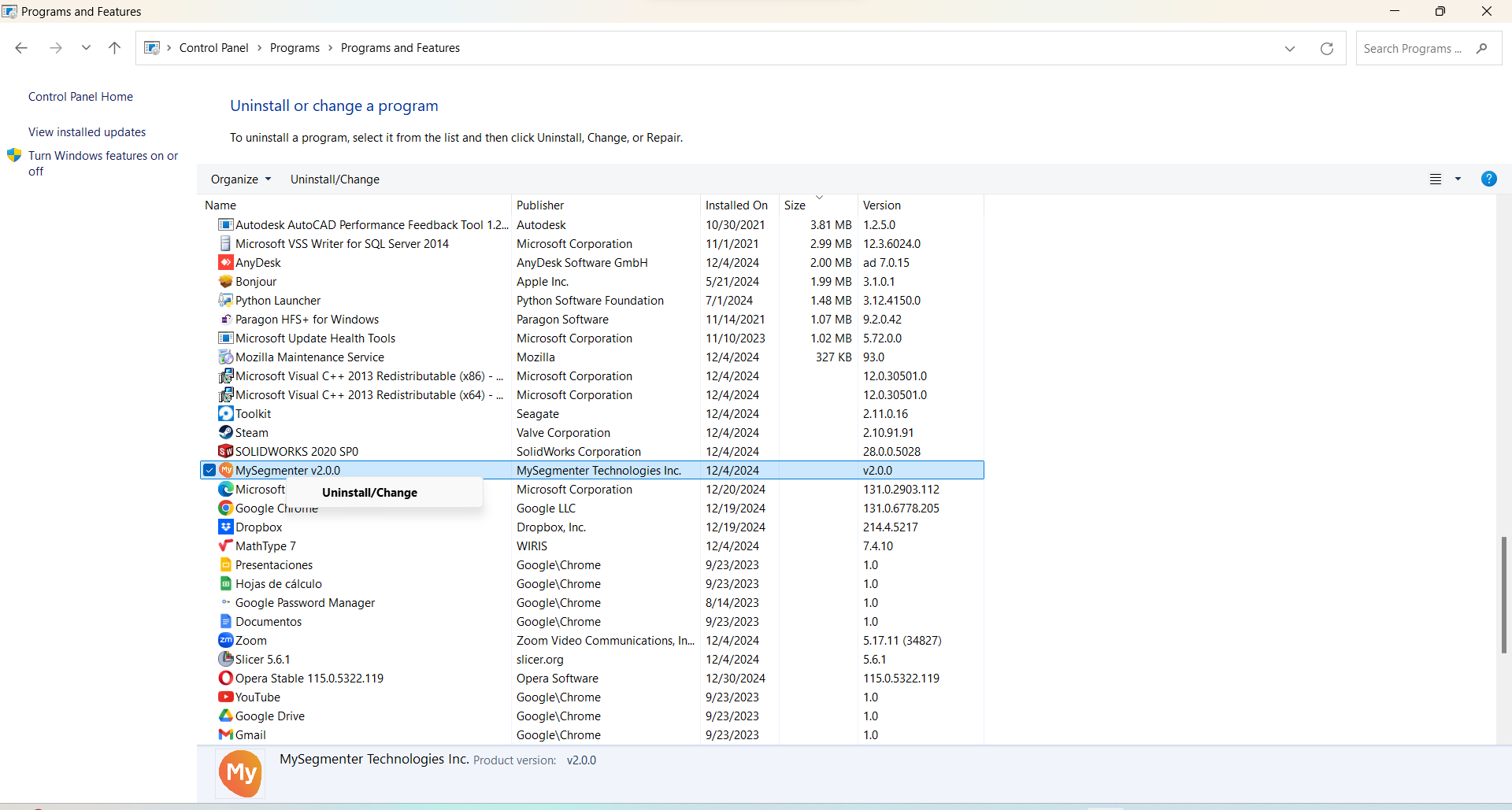
Uninstall can be done from the Windows Control Panel > Programs > Programs and Features menu.
Locate the MySegmenter (v2.2.0) and click in Uninstall.