Import DICOM volume
Import a DICOM Volume by selecting the desired file.
Steps
Load Project
-
Click on Import DICOM Volume Button
- Click on Import DICOM Volume button on the left sidebar. This will allow you to import a DICOM volume file from your device.
-
Select DICOM Volume File
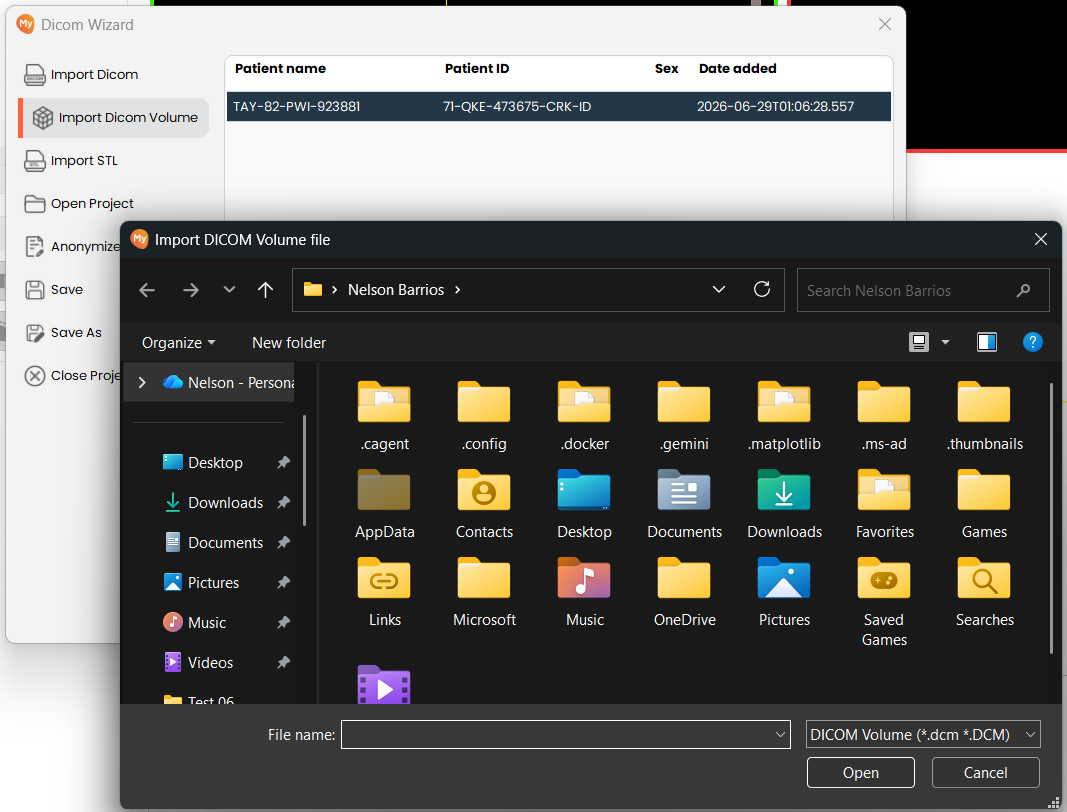
- Browse to and select the DICOM Volume file you wish to import. Confirm the files are valid DICOM Volume format and accessible from your system.