Appearance
Adjust the visual appearance of the MySegmenter interface.
Font Size
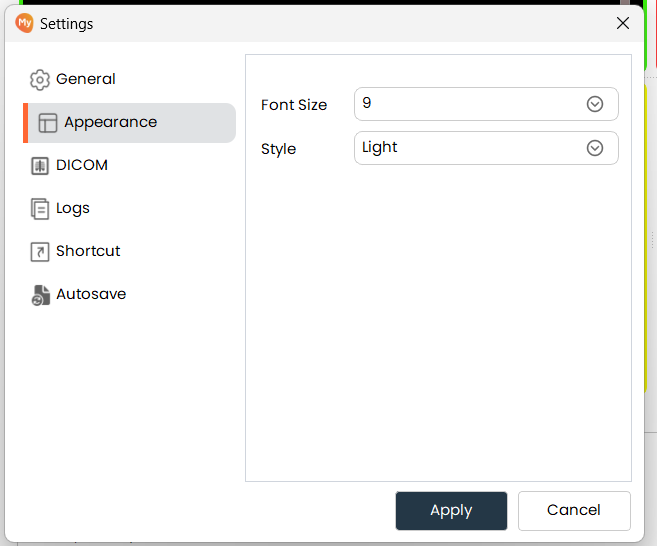
- Choose your preferred font size from the available options and click Apply. If prompted, restart the application for the change to take full effect.
Style
- Choose between the Light and Dark interface themes and click Apply. The theme changes immediately without requiring a restart.