Logs
Configure log retention, viewing, and export options.
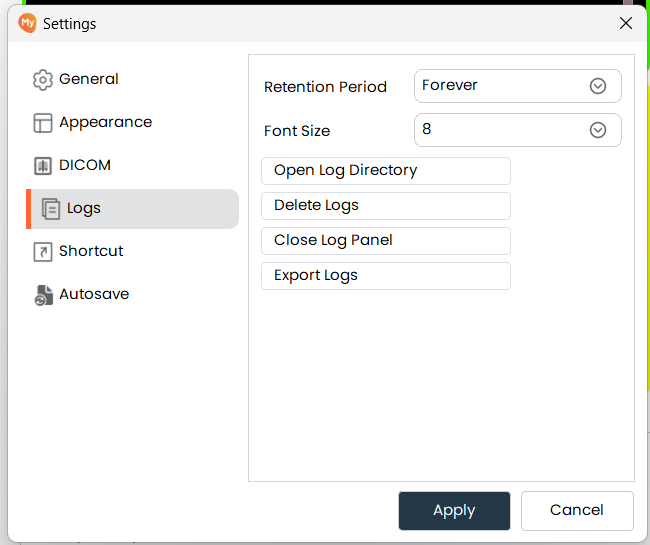
Retention Period
- The retention period defines how long MySegmenter keeps log files before automatically deleting them. Select a period that balances troubleshooting needs with storage usage.
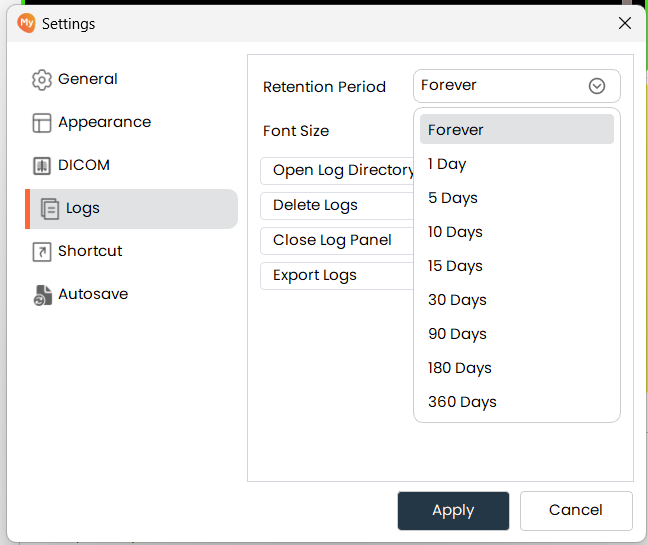
Font Size
- Adjust the text size displayed in the log panel.
Open Log Directory
-Opens the file system folder where all log files are stored.
Delete Logs
- Permanently removes all log files from the storage directory.
Close Log Panel/Open Log Panel
- Shows or hides the log panel within the main interface.
Export Logs
- Packages all current log files into a ZIP archive. Click the button and select a destination to save the archive.