General
Configure global application preferences, including settings import and export.
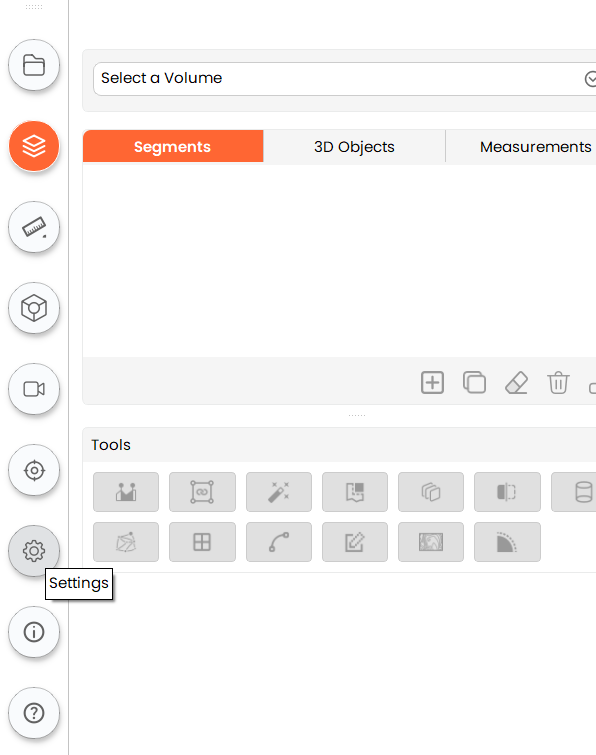
Open Settings
- Click the Settings button in the sidebar to open the Settings panel.
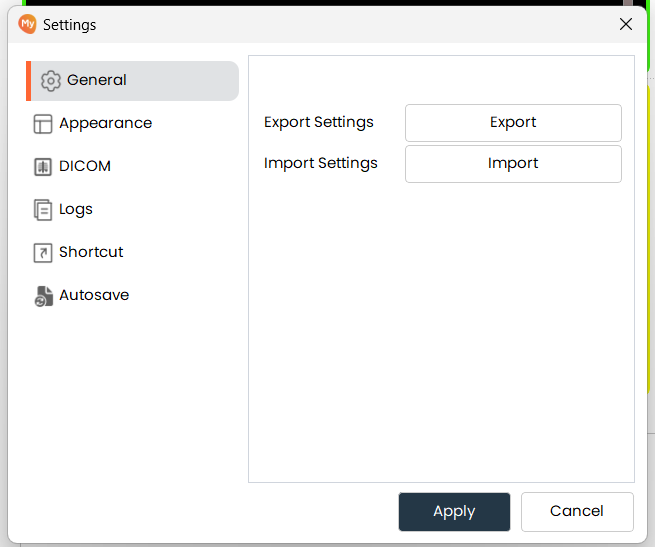
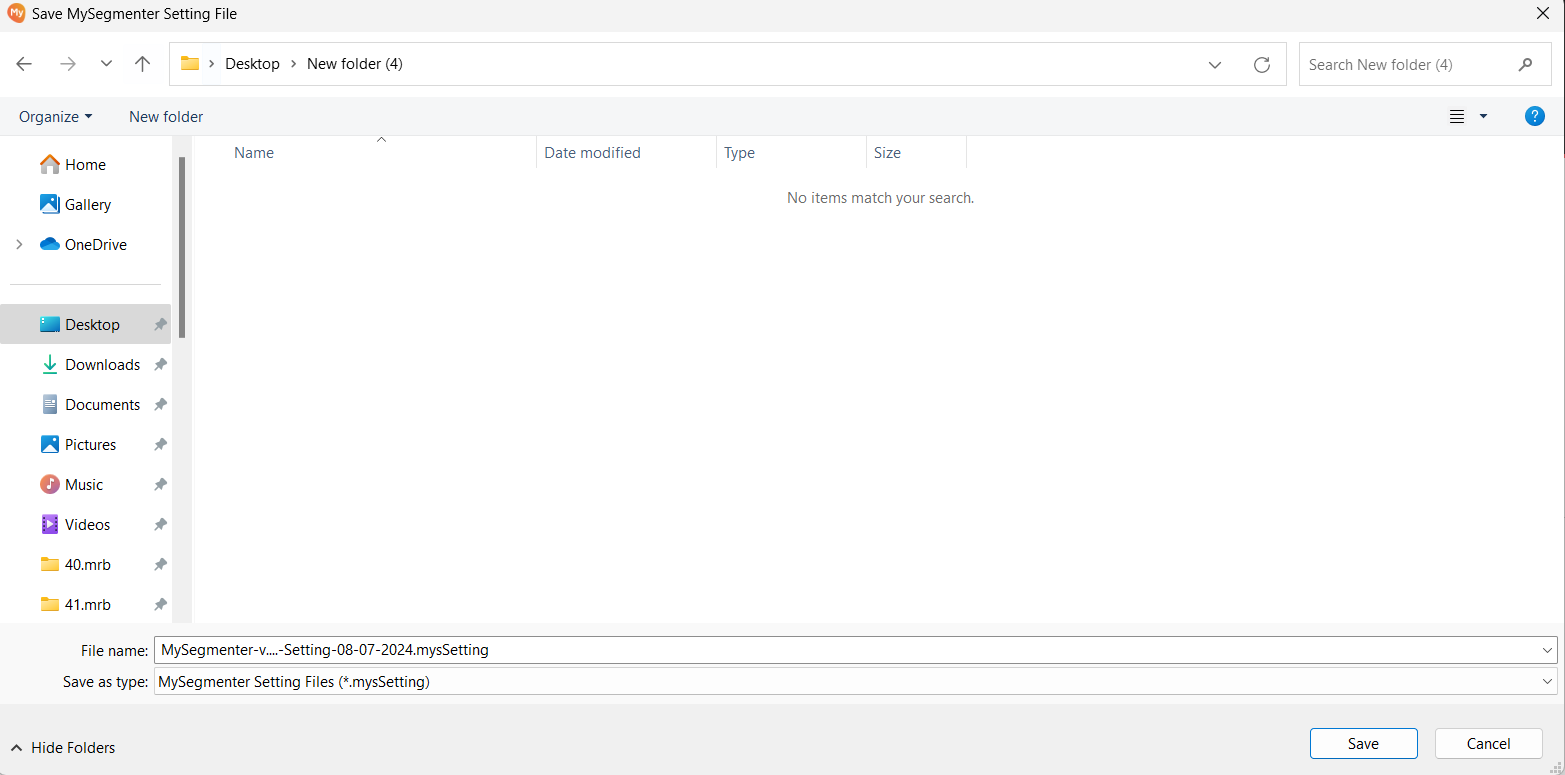
Export Settings
- Click Export Settings to save the current configuration to a file. In the file dialog, choose a destination
and click Save. This allows you to back up or share your settings.
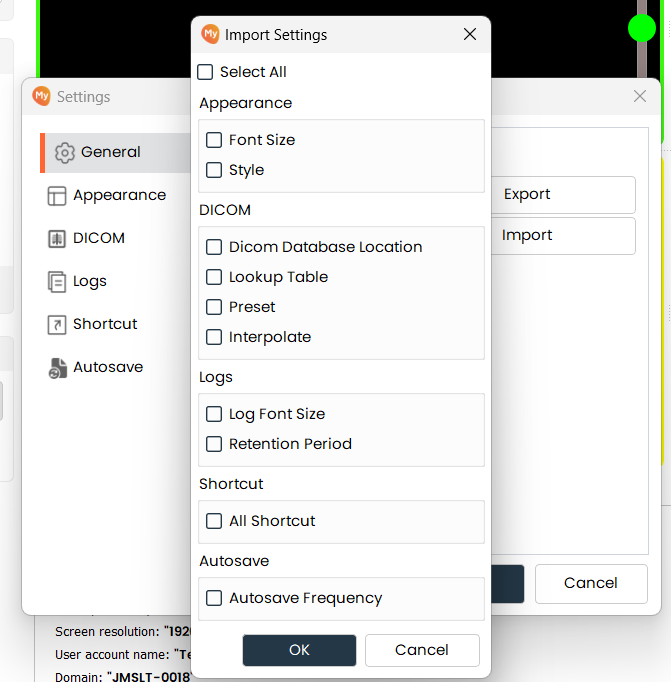
Import Settings
-
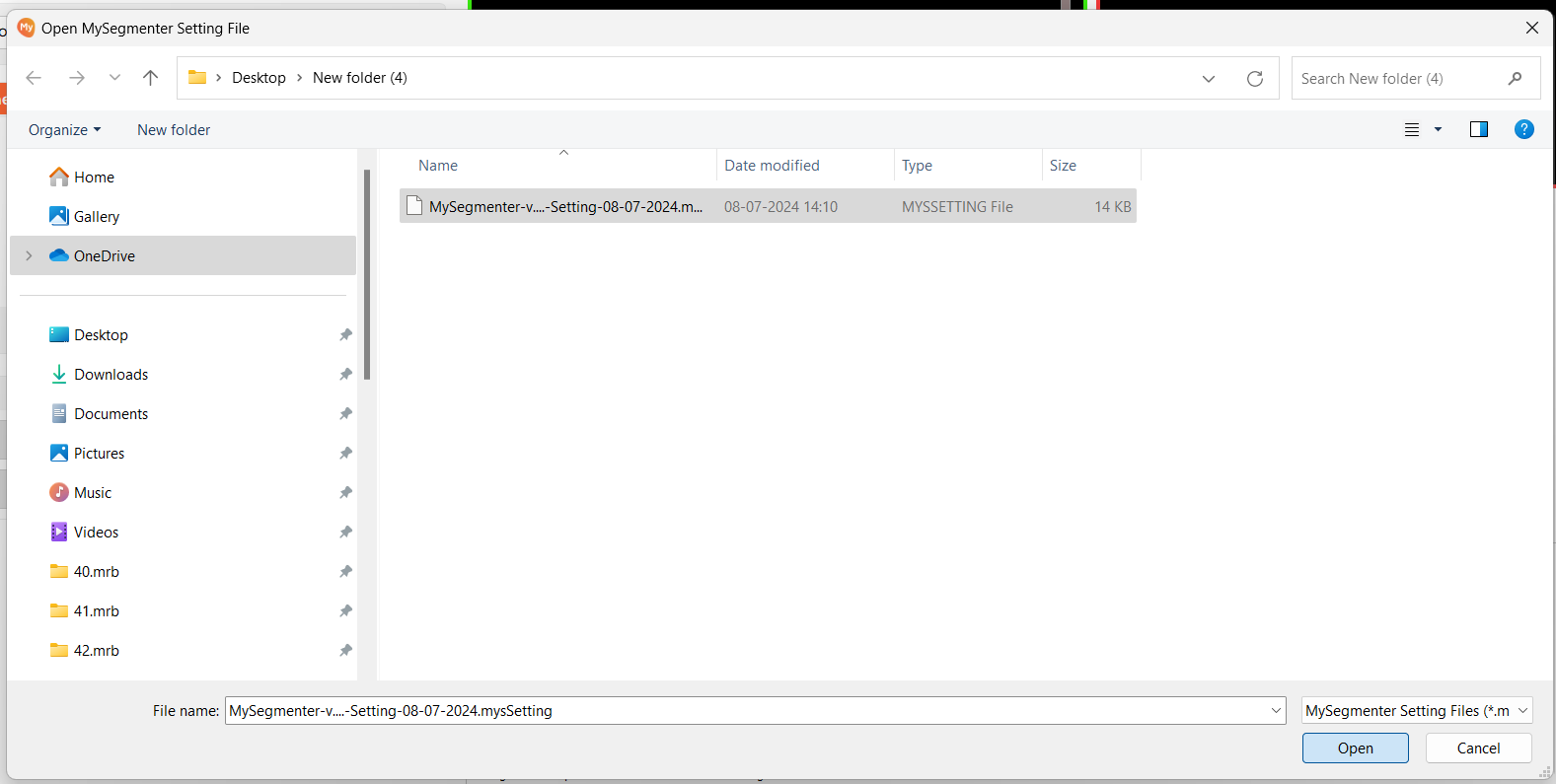
Click Import Settings and browse to a previously exported settings file to load it.
-
Once you import any settings file, it will ask you which specific settings you want to import. Choose the "Select All" option if you want to import all settings. Then click Ok to apply it.