Import STL
Import STL models into your project.
Steps
-
Click on Import STL Button
- Click on the
Import STLbutton on the left sidebar. This allows you to import 3D models saved in the STL format into your project.
- Click on the
-
Select STL Files
- Browse to and select the STL file(s) you wish to import. Confirm the files are valid STL format and accessible from your system.
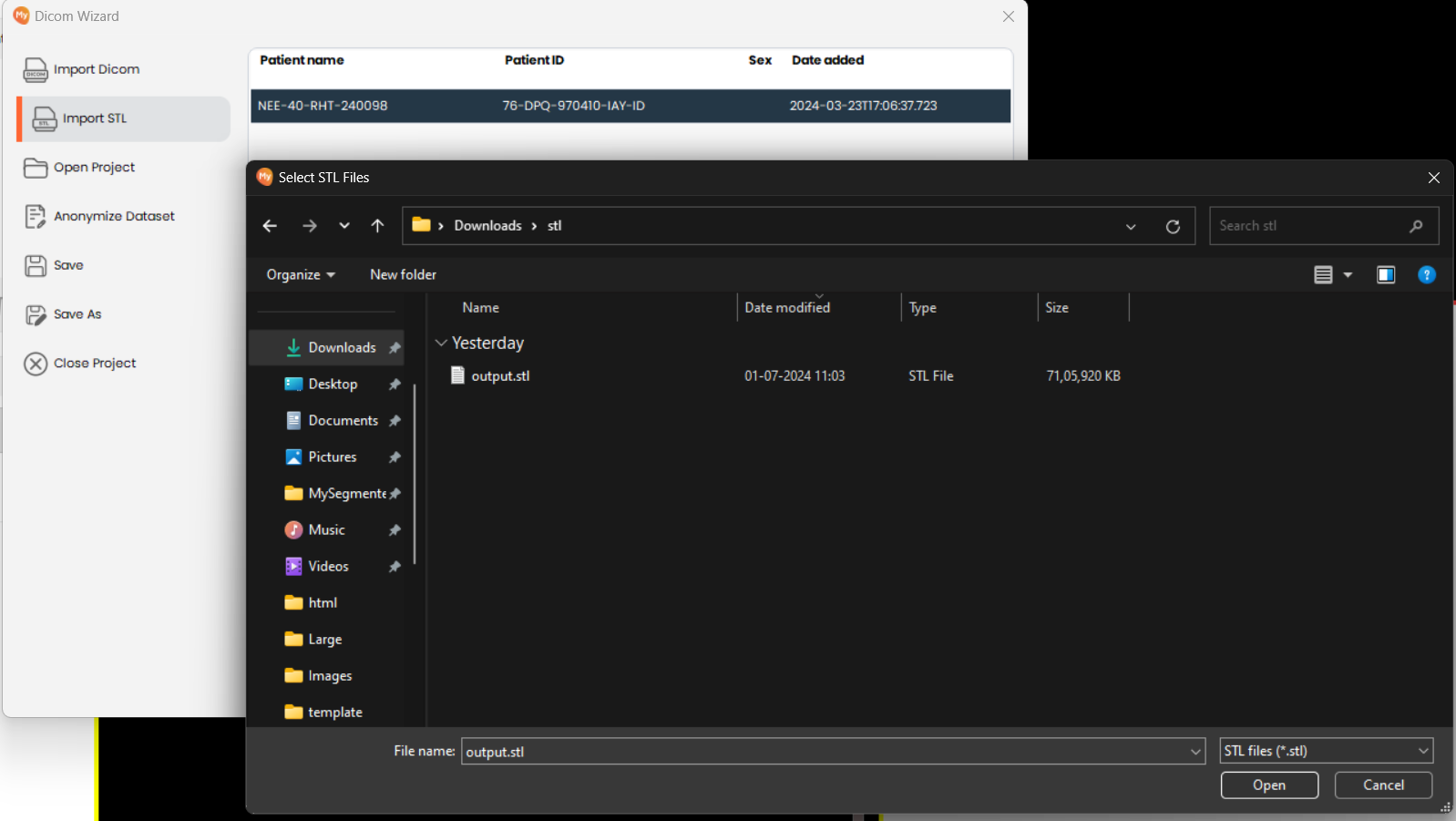
- Browse to and select the STL file(s) you wish to import. Confirm the files are valid STL format and accessible from your system.