Save As Project
Save a copy of your project with a new name.
Steps
-
Click on Save As Button
- Click on the
Save Asbutton on the left sidebar. This allows you to save a copy of the current project under a new name or in a new location.
- Click on the
-
Specify New Project Details
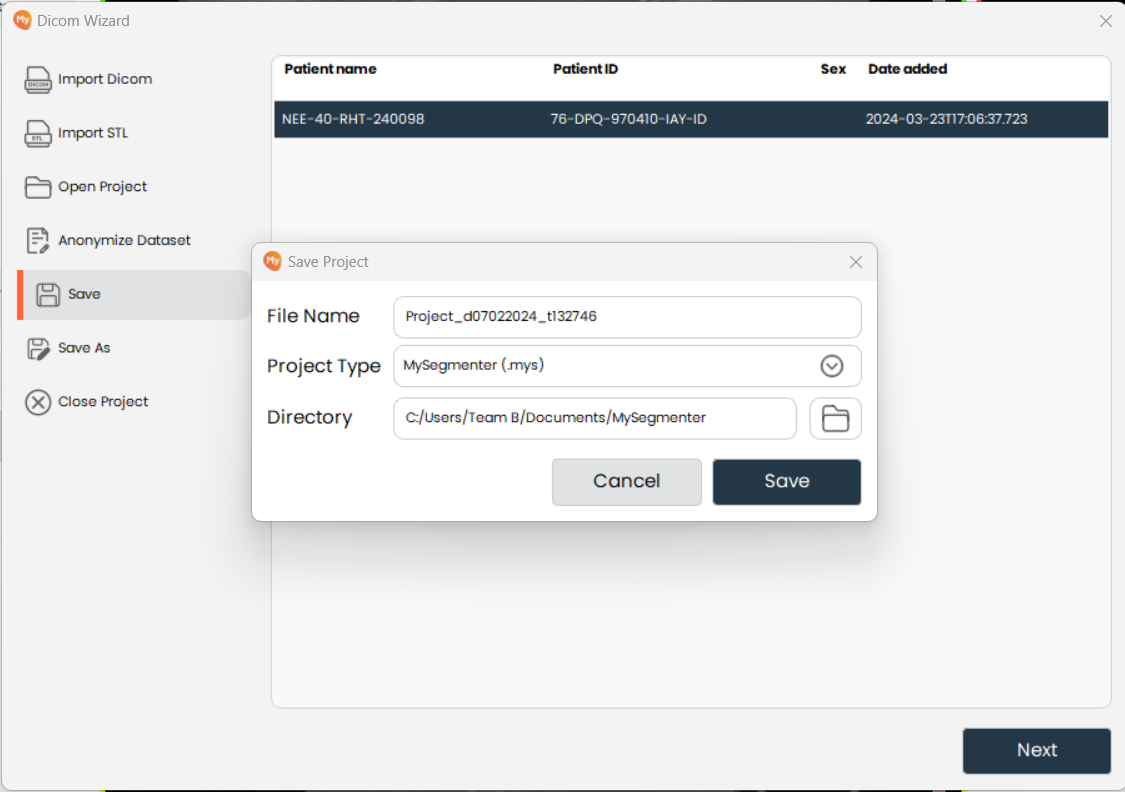
- Enter the new file name, select the project type, and choose the save directory for the copy.
-
Save the Project As
- Click on the Save button to save the project with the new details.