Save Project
Save your project to preserve changes and organize your work.
Steps
-
Click on Save Button
- Click on the
Savebutton on the left sidebar. This will save your current project state, preserving all changes and data.
- Click on the
-
Specify Project Details
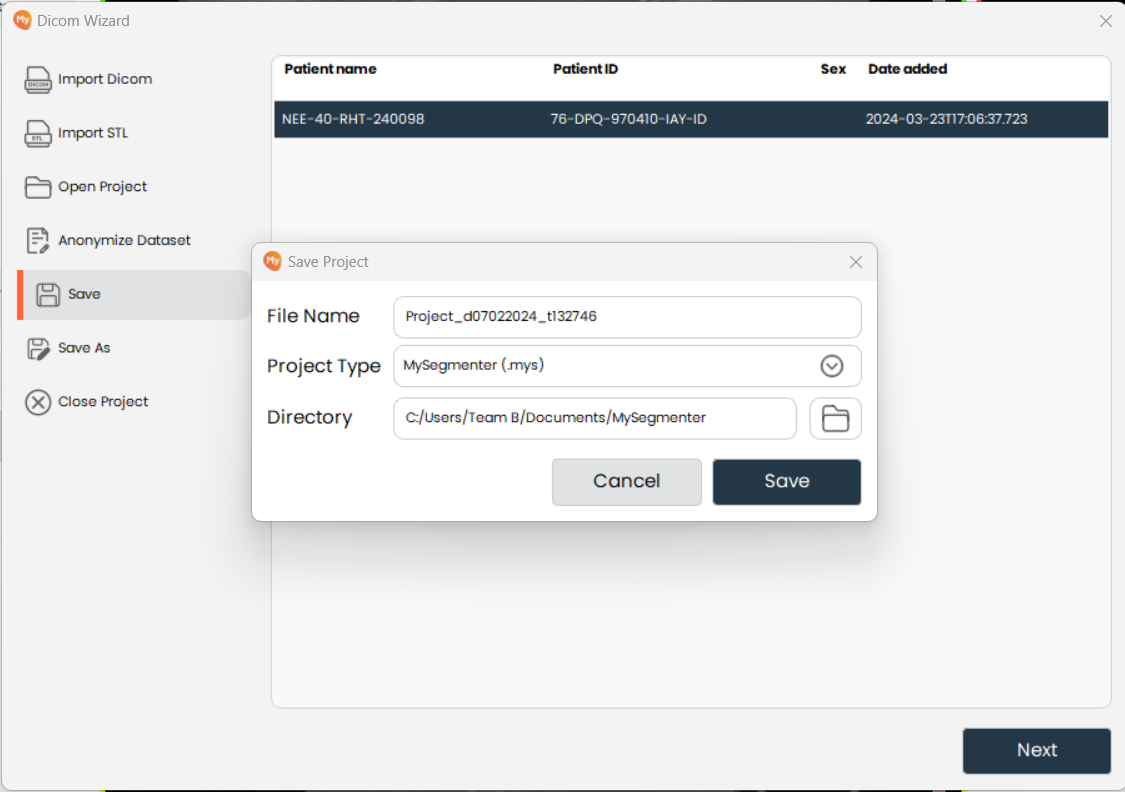
- Enter a file name, select the project type, and choose a destination directory. Using descriptive names and a consistent folder structure helps keep projects organized.
-
Save the Project
- Click on the
Savebutton to finalize saving the project.
- Click on the