Threshold
The "Threshold" tool is used to segment regions based on pixel intensity. It allows users to isolate structures or areas within a volume dataset by setting a desired intensity threshold.
Steps
-
Add a Segment
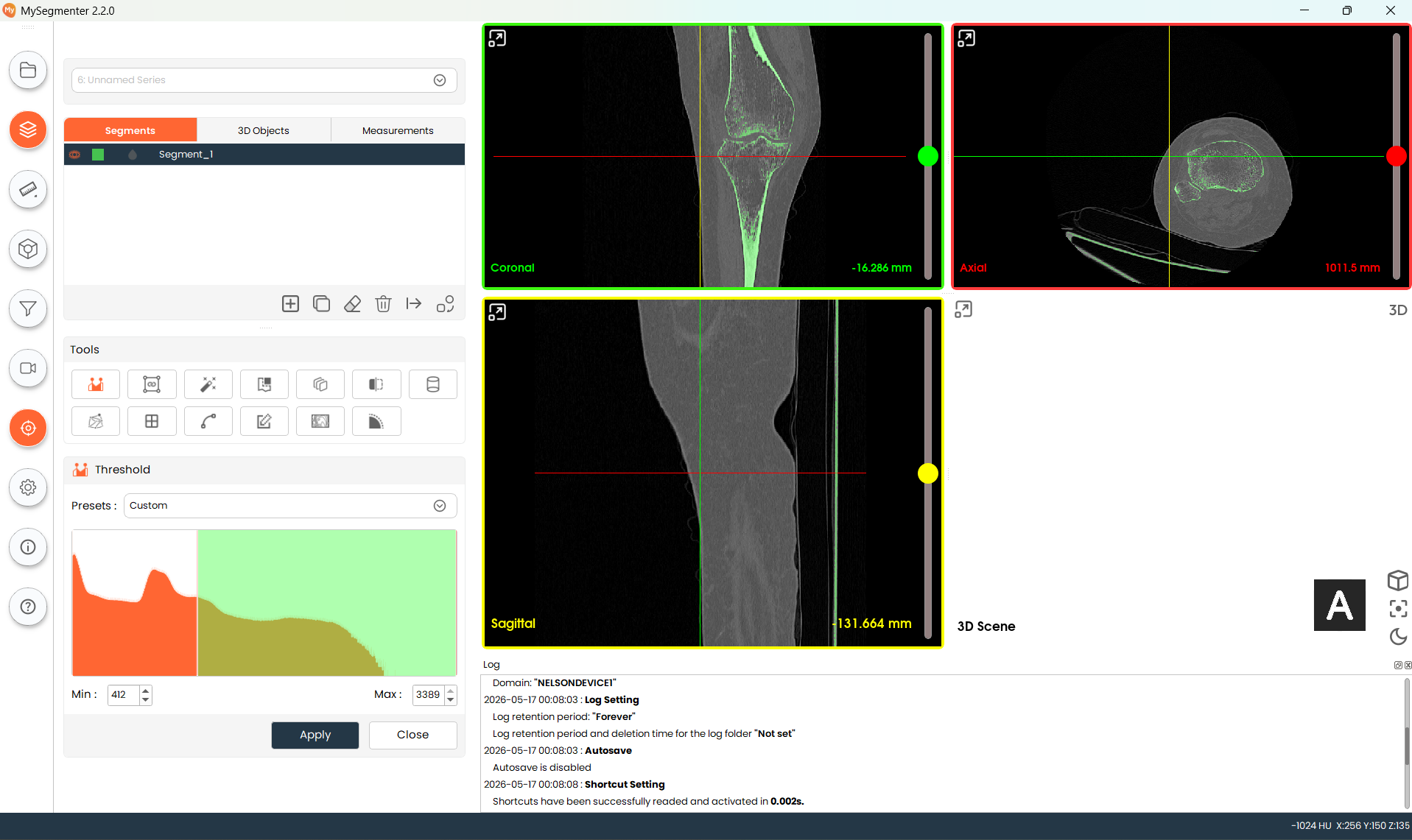
- Click Add Segment. The Threshold tool panel will open automatically, ready for configuration.
- Click Add Segment. The Threshold tool panel will open automatically, ready for configuration.
-
Choose Preset Range
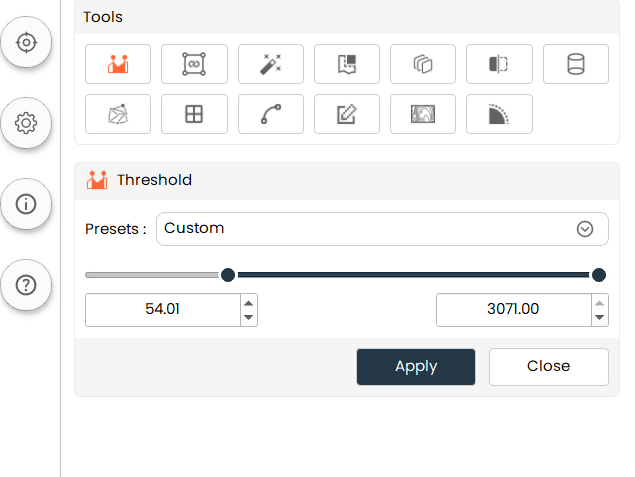
-
Apply the Threshold
- Once you have selected an appropriate preset range, click "Apply" to confirm the preset range for this segment. The preset range will be visible in the corresponding segment item. If you want to again change the preset range for any segment, select that segment and click on the Threshold tool to change it.
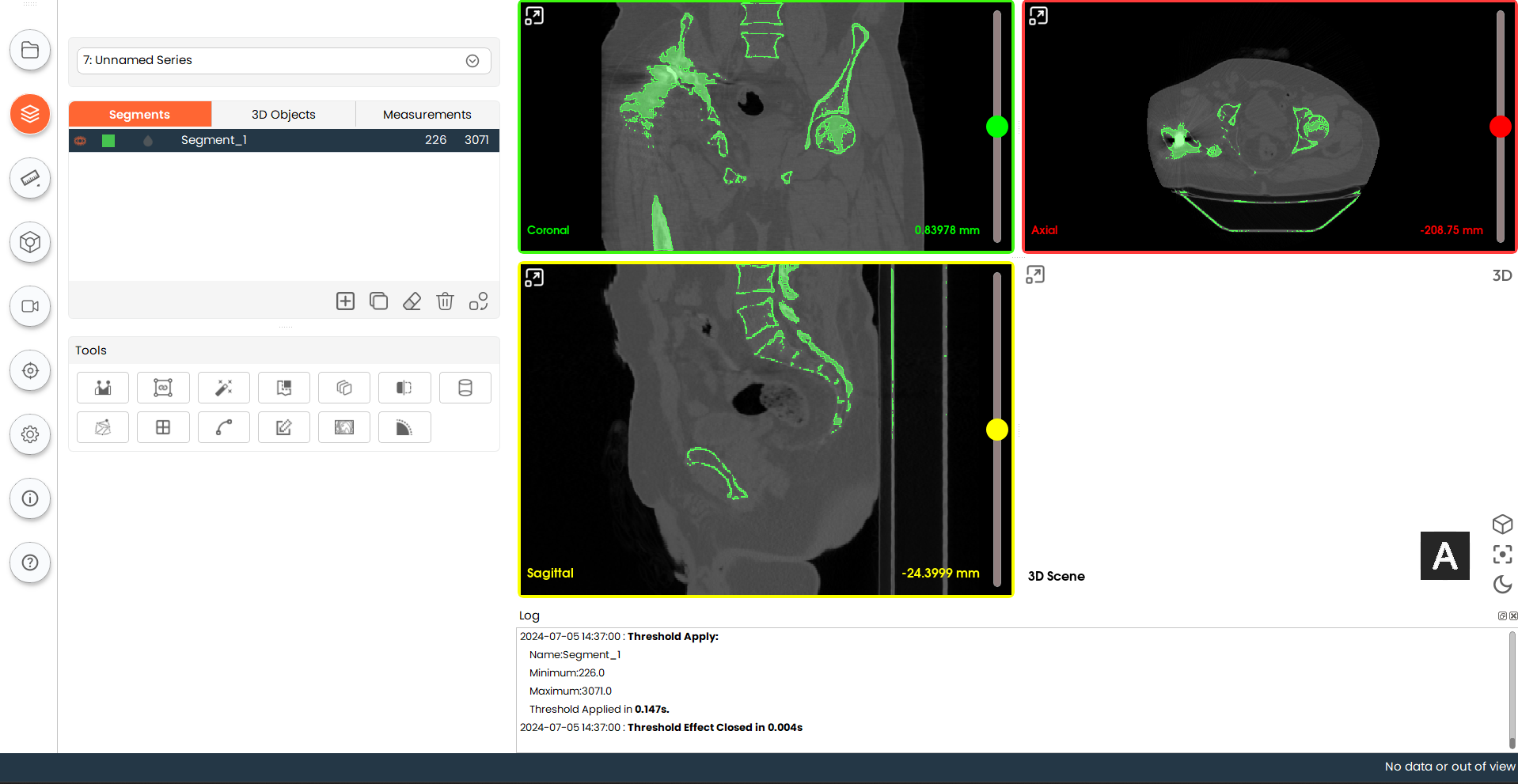
- Once you have selected an appropriate preset range, click "Apply" to confirm the preset range for this segment. The preset range will be visible in the corresponding segment item. If you want to again change the preset range for any segment, select that segment and click on the Threshold tool to change it.