Islands
The "Island" tool expands segmented regions by selecting a seed point and including connected pixels with similar properties.
Steps
-
Open Islands
- Select the segment in which you want to edit islands and click the "Islands" tool.
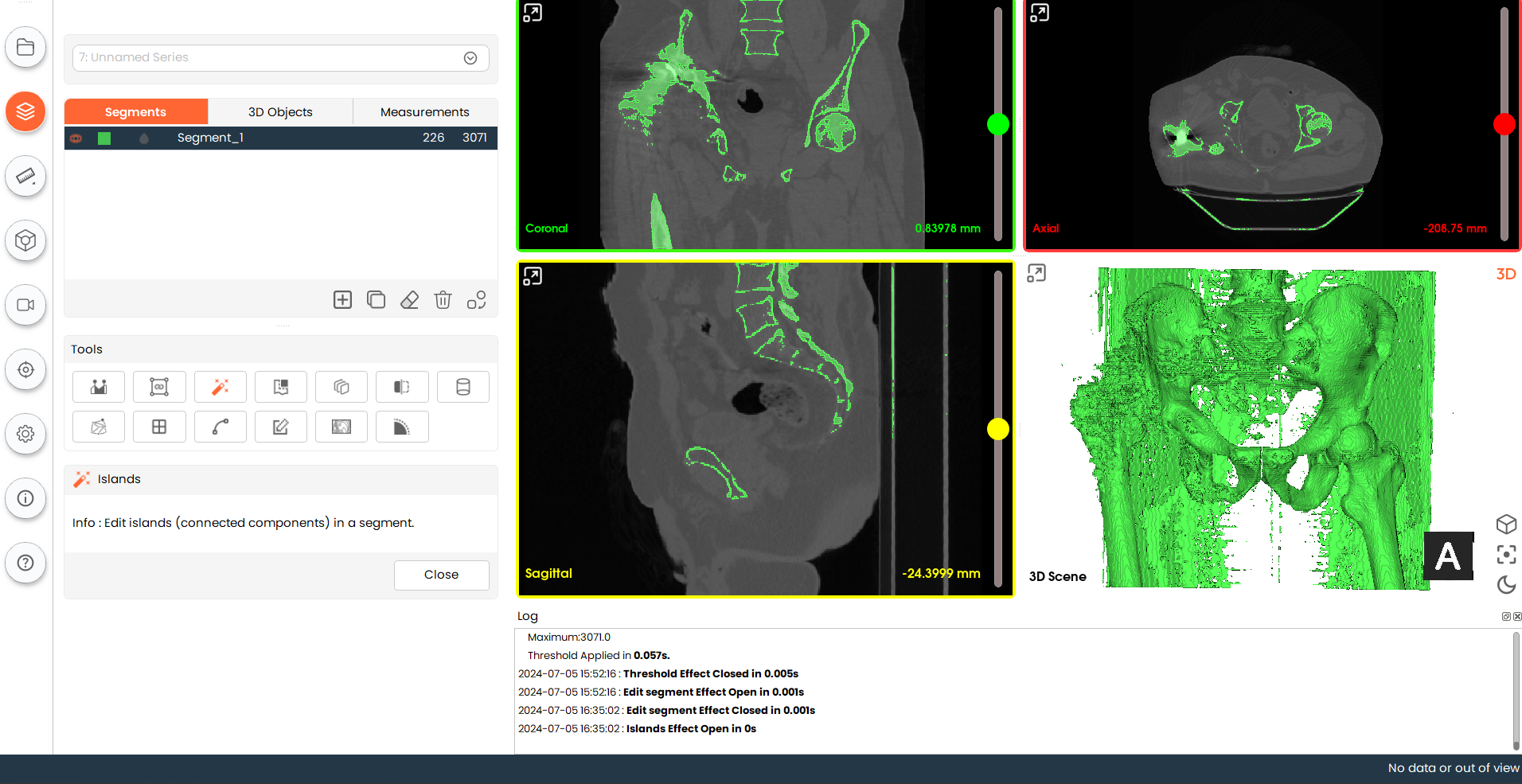
- Select the segment in which you want to edit islands and click the "Islands" tool.
-
Perform Islands
- Click on any region in the 2D view where a threshold is active. The connected voxel group at
that location will be selected as an island and added to the segment.
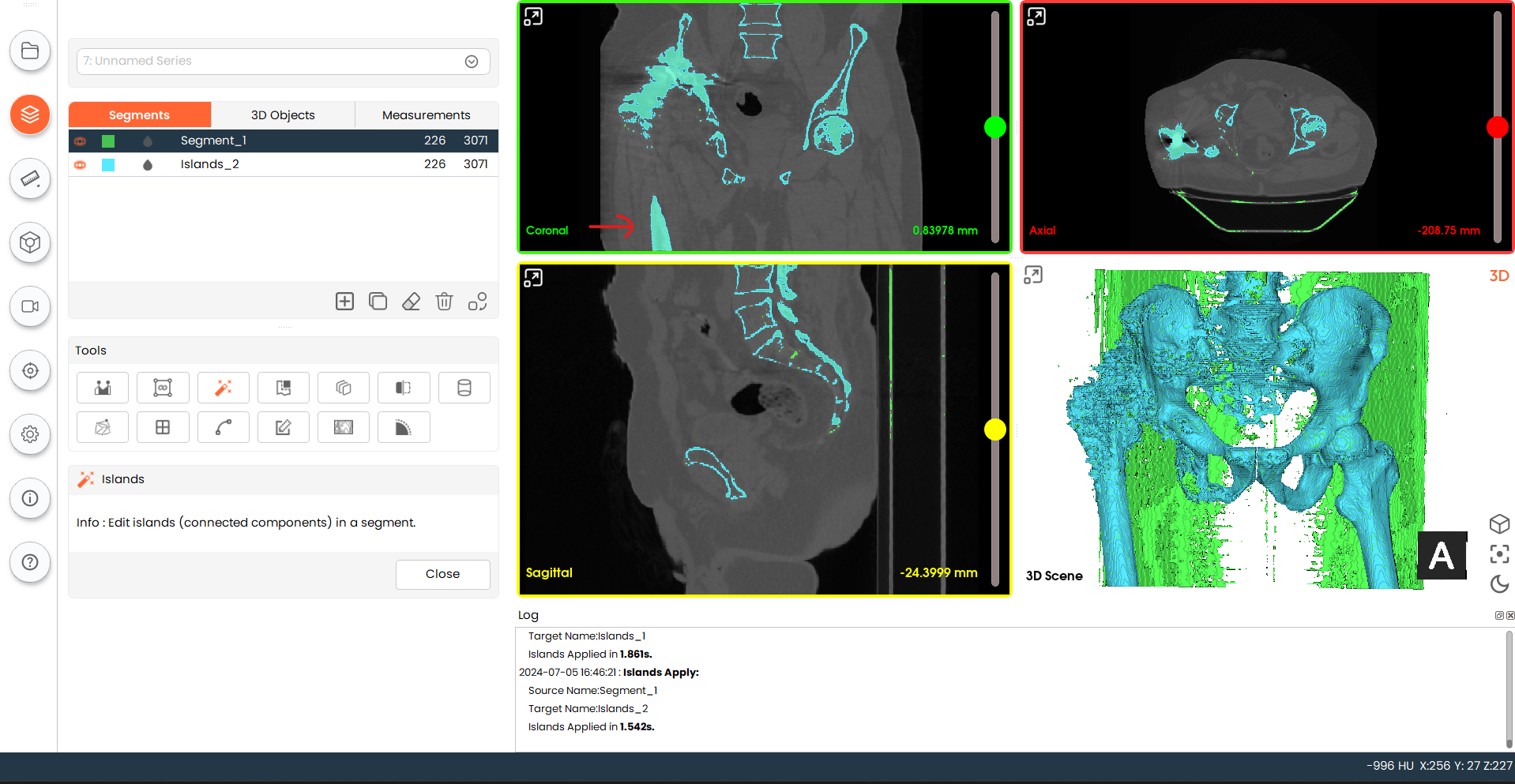
- Click on any region in the 2D view where a threshold is active. The connected voxel group at
that location will be selected as an island and added to the segment.